

The Site And Cleo, In One.
Presstack theme becomes the website. It's the design system, the Elementor blocks, the shop front end, the SEO system, and the enquiry inbox. Cleo builds pages in it, looks after it, and improves it over time.
A Theme, Pagebuilder, Several SEO Plugins, And A Shop On Top.
You're juggling multiple separate tools that don't talk to each other. One breaks, the others follow, and you're stuck fixing it all over again. A proper web design platform does the whole lot in one place, so nothing goes wrong between updates. Cleo simply 'gets it'.

Nothing Quite Fits Together
The theme's styling fights the builder. The block pack has its own settings screen. Three plugins each want to write the page title, and Google ends up showing something else entirely.
What's Included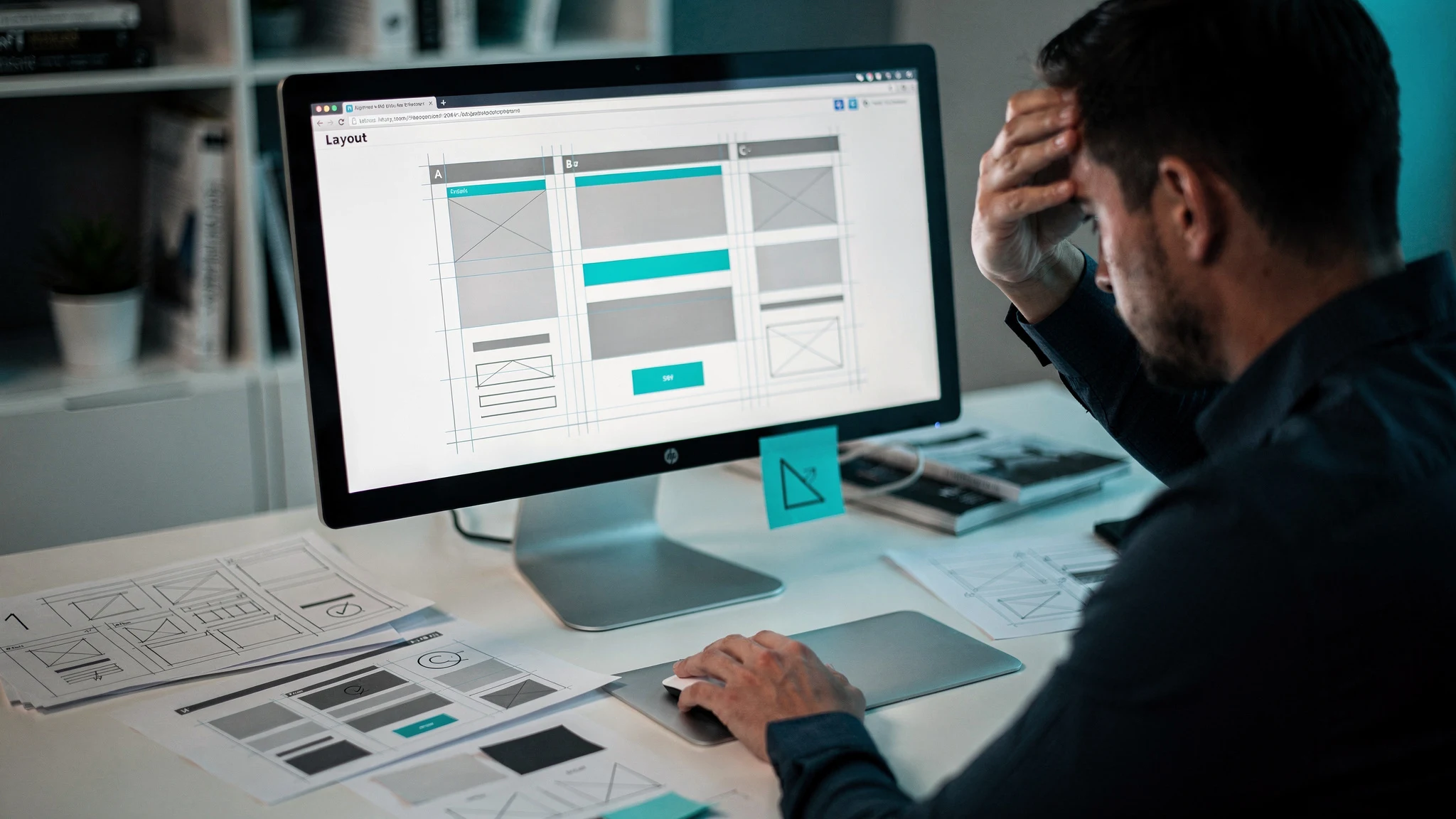
Building Pages Takes Too Long
You know what the page should say. Two hours later you're still aligning columns, hunting for margin settings and picking a shade of grey. All this whilst the page copy is still sitting as a placeholder.
How Page Building Works
Then It Needs Looking After
A site is never finished. Links die, pages go stale, a freelancer leaves behind errors they said were fixes, and Google changes it's mind about your pages. Building the site was the easy part.
What Cleo Does
Describe A New Page Or Service. Cleo Makes It.
On Core, Cleo builds new pages with your page builder's own elements. On the theme she builds them from Presstack's own E|lementor design blocks, in your site's colours and type.
-
Say What The Page Is For
"A services page for emergency callouts, with a quote form and three testimonials."
-
She Picks The Blocks
Real Presstack blocks, arranged properly, using your site's colours and type.
-
And Fills Them
Copy written from your business details. Add your own photos, or make images with Presstack's built in AI image tools.
-
Then Stamp It Everywhere
Turn it into a blueprint and she writes a version for every town and service. Not find and replace text type pages. Oh no - these are real, unique pages.
-
Fully Editable
You still get a page you can open in Elementor and change by hand. It isn't locked.
Four Different Scenarios, Four Different Answers.

I paid an agency for this site two years ago and I like it.
Go With Core
Cleo changes nothing about how it looks. Your work stays exactly where it is, and you can remove the plugin at any point without leaving a trace in the layout.

I'm starting a business next month and have no site at all.
Go With The Theme
There's nothing to preserve, so take the version with the design system and blocks. Describe what each page is for and she builds it, fills it, and keeps it right afterwards.

I look after several client sites, and all are built differently.
Core, On All Of Them
Cleo works with Elementor, Gutenberg, Divi, Avada and WPBakery, so she covers the whole portfolio. Use the theme on new builds if you want to.
I genuinely can't tell.
Go With Core
Going up to the theme later loses nothing. Going the other way loses your page designs. When it's close, take the one that leaves the door open.
Change It Once, Job Done.
Colours, type, buttons, form fields, spacing, header and footer, all set in one place rather than argued over by three plugins and yet more CSS.
-
Brand Colours And Type, Once
Every block inherits them. Change the accent colour and the whole site moves.
-
Template Control Per Page Type
Posts, archives, search results, 404, authors, team, locations and, with WooCommerce, every shop page. Each laid out how you want.
-
Blocks That Already Match
Nothing needs restyling to look like it belongs. That's what a design system is for.
-
Light Or Dark, Site Wide
One switch, not a rebuild.

The WooCommerce Shop And The Inbox Come With It.
Two things that normally mean more plugins, more settings screens and more things to update.
-
A Full WooCommerce Front End
Products, cart, checkout, account, wishlist, compare and back-in-stock alerts, built to match the rest of the site. Product filters come with the Pro pack.
-
Product Copy In Your Voice
Cleo writes descriptions from your business details rather than the manufacturer's blurb.
-
An Enquiry Inbox
Form enquiries land in one inbox, and it can collect your email too, so nothing is spread across five places.
-
Sorted When You Ask
Ask Cleo and she sorts what's waiting into urgent, needs a reply and for your information.
What The Theme Adds.
Blocks For All Your Pages.
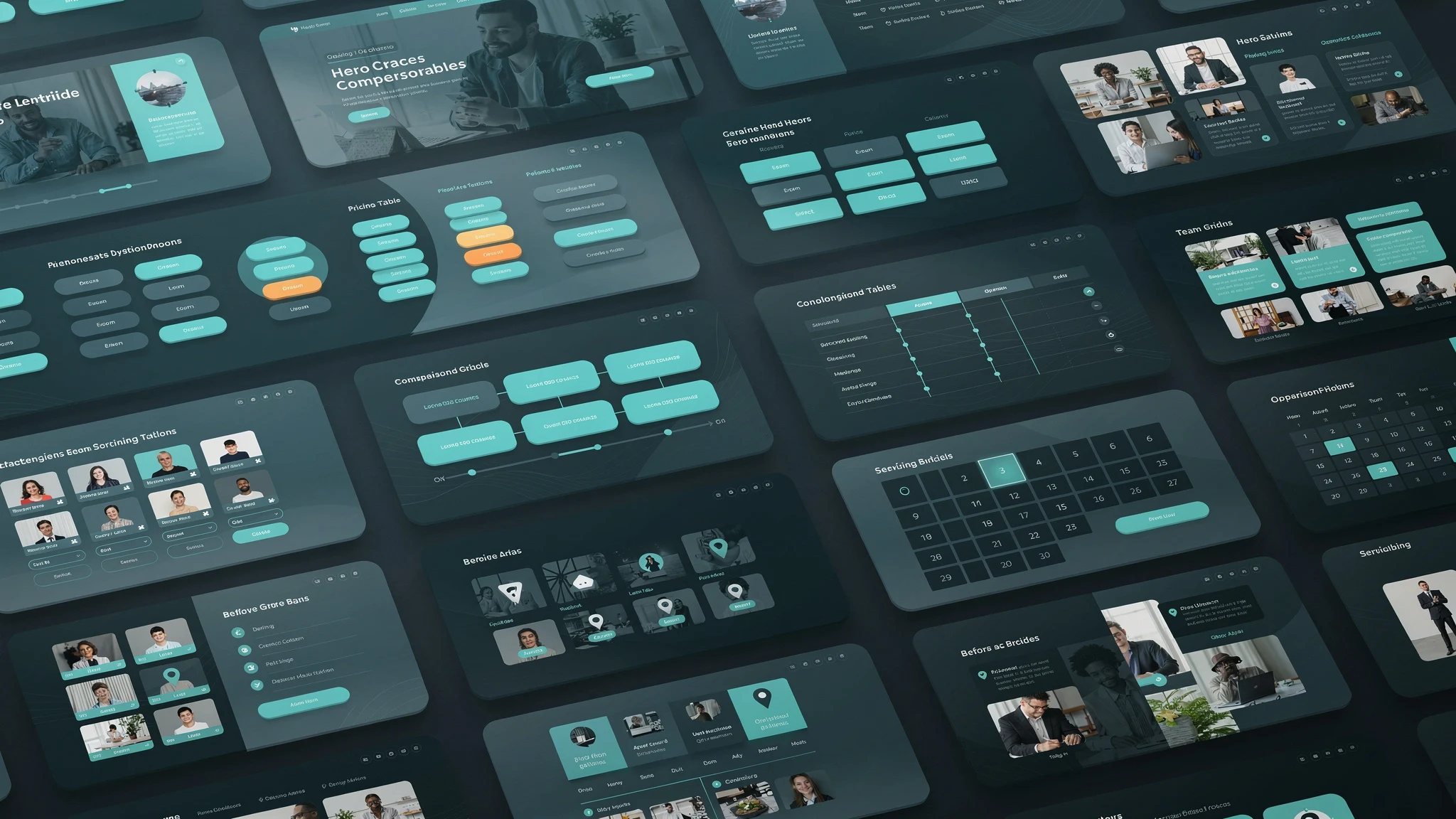
Heroes, pricing tables, comparison tables, timelines, team grids, opening hours, service areas, calendars, before and after galleries, and plenty more.
See The Blocks →
Every Page Type Sorted.
Blog posts, archives, author pages, search results, 404, location pages and, with WooCommerce, product pages. Set the shape once and every new page follows it.
See The Templates →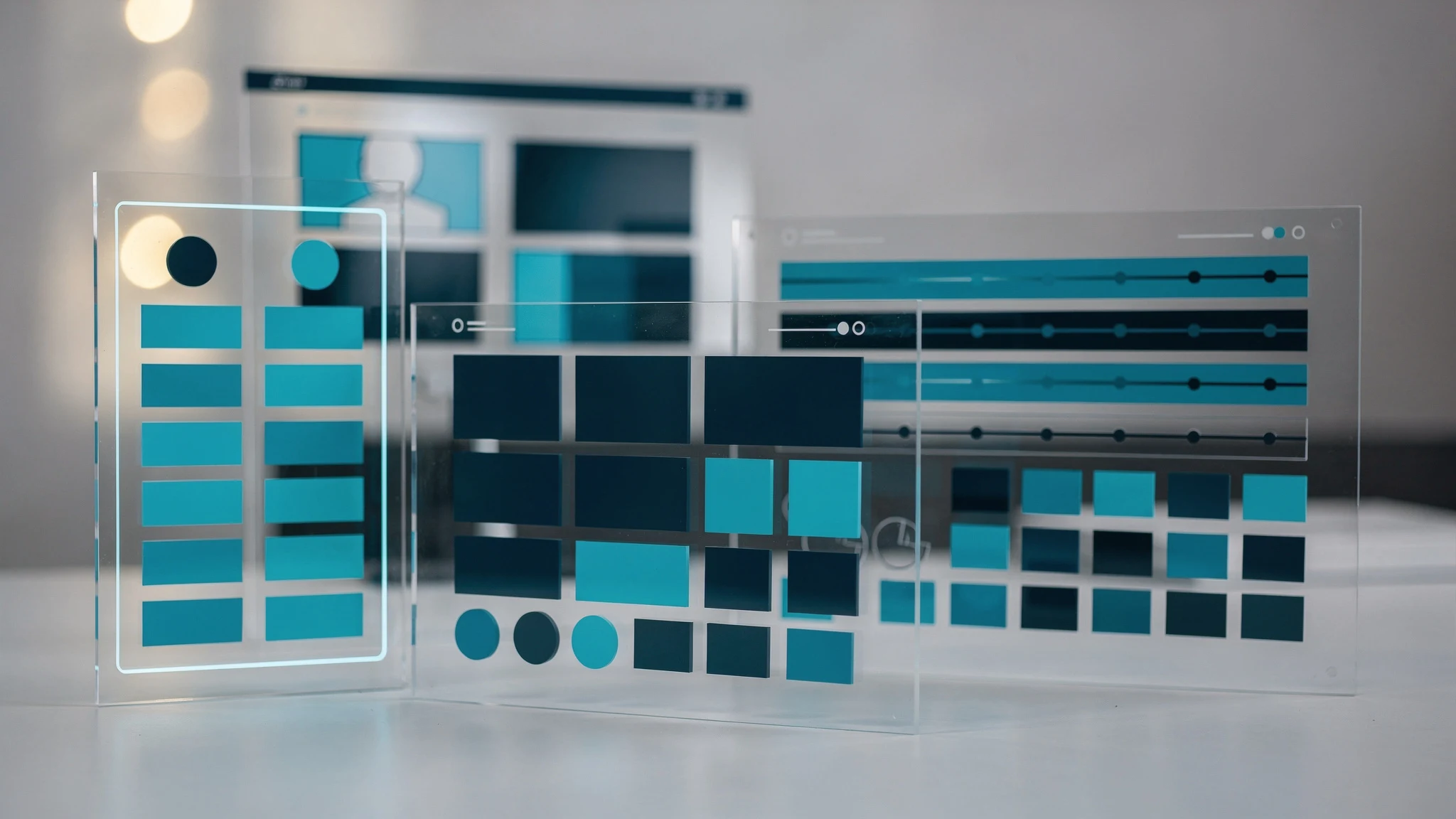
Designs That Match The Site.
Products, cart, checkout and account, styled with everything else rather than fighting it. Wishlists, compare, coupons and back-in-stock alerts are all included.
See The Shop Tools →
Messages In One Place.
Form enquiries arrive in one inbox, and Cleo can sort them into urgent, needs a reply and for your information whenever you ask. She connects to your exisiting email via IMAP too.

Everything The Plugin Does, The Theme Does Too.
The theme adds design. It doesn't add intelligence, because the plugin already has all of Cleo built in.
-
More Than A Hundred Jobs
Writing, rankings, repairs, reports, local search and AI search.
-
Local Search Volume By Town
Over 100,000 towns mapped, tracked town by town.
-
The Same Settings
Your pages always ask first. Fixes and Google listings are 'Ask Me' or 'Automatic', and one button pauses everything.
-
More Than 30 Health Checks
Run every day, with the next day's check confirming each fix held.

What A Theme Change Involves.
Most people skip this bit, and that is usually where the confusion starts. If it sounds like more than you need, the plugin does the same job and fits around the site you already have.
-
Your Content Is Safe
Posts, pages, products, images and categories all belong to WordPress, not to a theme, and a theme change doesn't alter how WordPress stores them.
-
Your Layouts Are Not
Every page built in your old theme has to be rebuilt. That's true of any theme change, not just this one.
-
Some Plugins Will Need Checking
Anything that adds front-end output, like sliders, pop-ups or form styling, may need reviewing or may become unnecessary.
-
Plan It Like A Project
Small sites go quickly, big ones take longer. Anyone telling you a theme change is effortless hasn't done many, or will leave remnants behind.

Start The Site, And Let Her Finish It.
Describe what the pages are for and she'll build them, fill them, and keep them right afterwards. Same two-day trial as the plugin.