
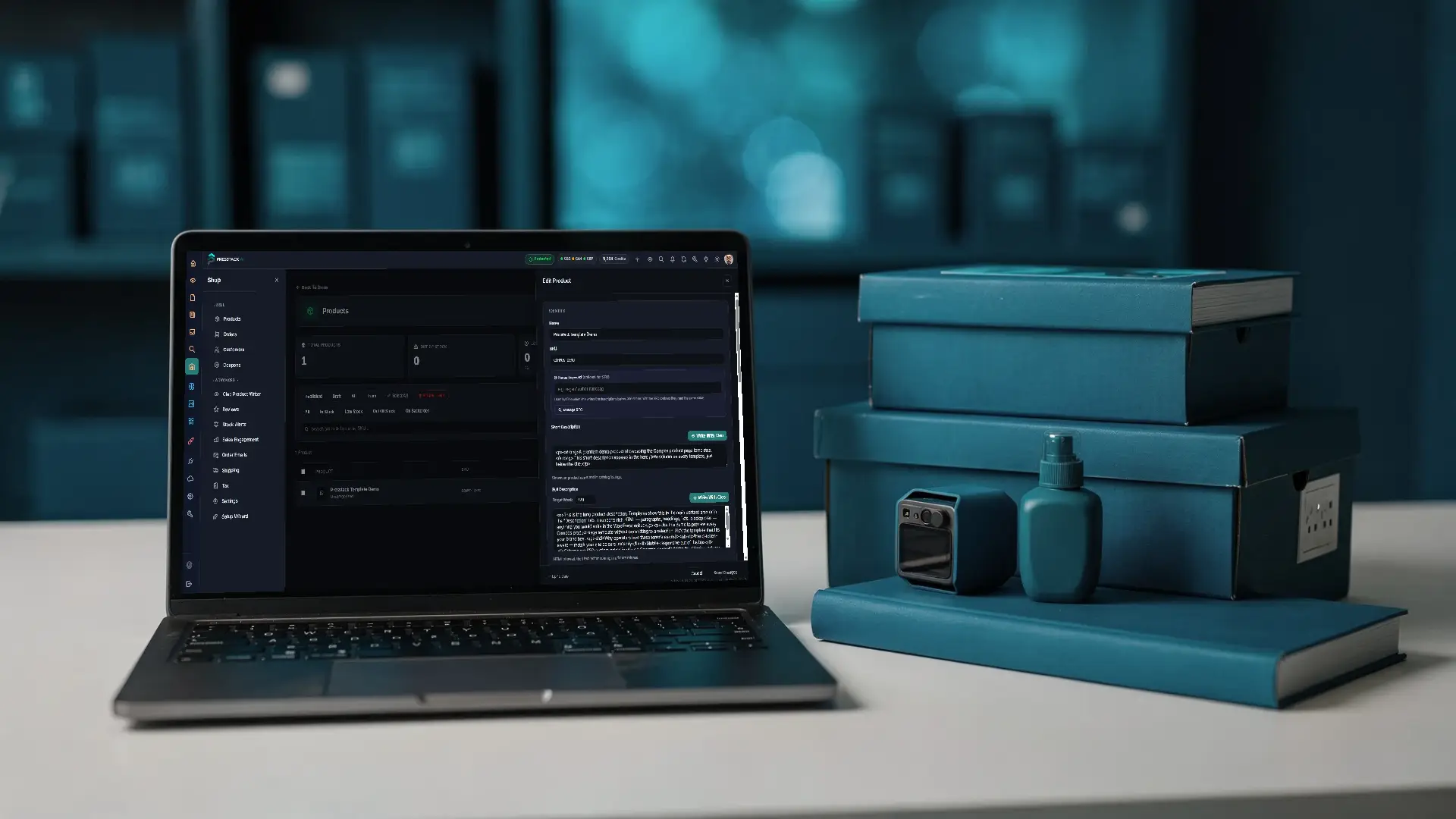
Nobody Writes Nine Hundred Product Descriptions.
Cleo rewrites your catalogue in your words and checks every product for what is missing. The shop section covers the rest: Orders, customers, coupons, shipping and tax, and on Presstack theme, stock alerts and every message a customer reads.

Every Shop Selling That Product Has The Same Page.
Your supplier wrote the description once, put it in a spreadsheet, and sent it to every stockist. Your page and your competitor's page say exactly the same thing.
Google has to pick one of you. The shop with original copy wins most of the time, and the customer who does land on your page reads a manufacturer's spec sheet with your logo on it, not a reason to buy from you.
-
Your Catalogue, Checked For What Is Missing
Cleo checks every product for six things (no copy, thin copy, nothing written for search results, no short description, no image, not updated in a year) and turns them into filters. Word count, sales and priority sit side by side on every row, so you start with what sells rather than what's first in the list.
-
Category Pages That Have Something On Them
Most shops leave category pages blank: No description, and nothing for a search engine to read. Cleo writes those too, from the same place as the product writer.
-
Every Customer Message In One Place
On Presstack theme, the thank you page, cart, checkout, account pages, login and the main order emails sit on one screen. Rewrite the ones that matter and leave the rest blank. An empty field keeps the WooCommerce wording.
-
Stock Alerts And What People Looked At
On Presstack theme, a customer who finds a product out of stock can ask to hear when it's back. Low stock levels are set per product. Wishlist, compare and recently viewed counts show you what people looked at and didn't buy.
Set Up A Catalogue Run Before It Costs You A Credit.
The bulk refresh settings screen. Hover a marker to see what each control does.
Scope
Run the next 3, 5, 10, 15 or 20 products, picked by priority: what sells, what is in stock, and what is missing most.
Fill Or Rewrite
Fill only the fields that are blank, or rewrite every product in full. You choose per run. Fill mode skips a product with nothing empty, and charges nothing for it.
No Made-Up Photos
Cleo never generates a photo of a product. A picture of something the shopper will not receive misleads them, so products without an image are listed for you to photograph.
Credit Cost
Each product is charged at the product price from your plan. The total for the run is worked out before you confirm it.
Cost Shown Upfront
You see what the run will cost before it starts, not after. No surprises on the credit balance.
Every Message You Send
On Presstack Theme, one screen for the wording on your cart, checkout, thank-you page, account pages and order emails.
Shipping, Tax, Settings
Zones, methods, tax rates and your main WooCommerce settings, here in the panel, with links straight to WooCommerce for the rest.
The Numbers That Describe The Shop Section.
Four figures that say what the shop section covers, and what it leaves alone.
What The Shop Section Covers.
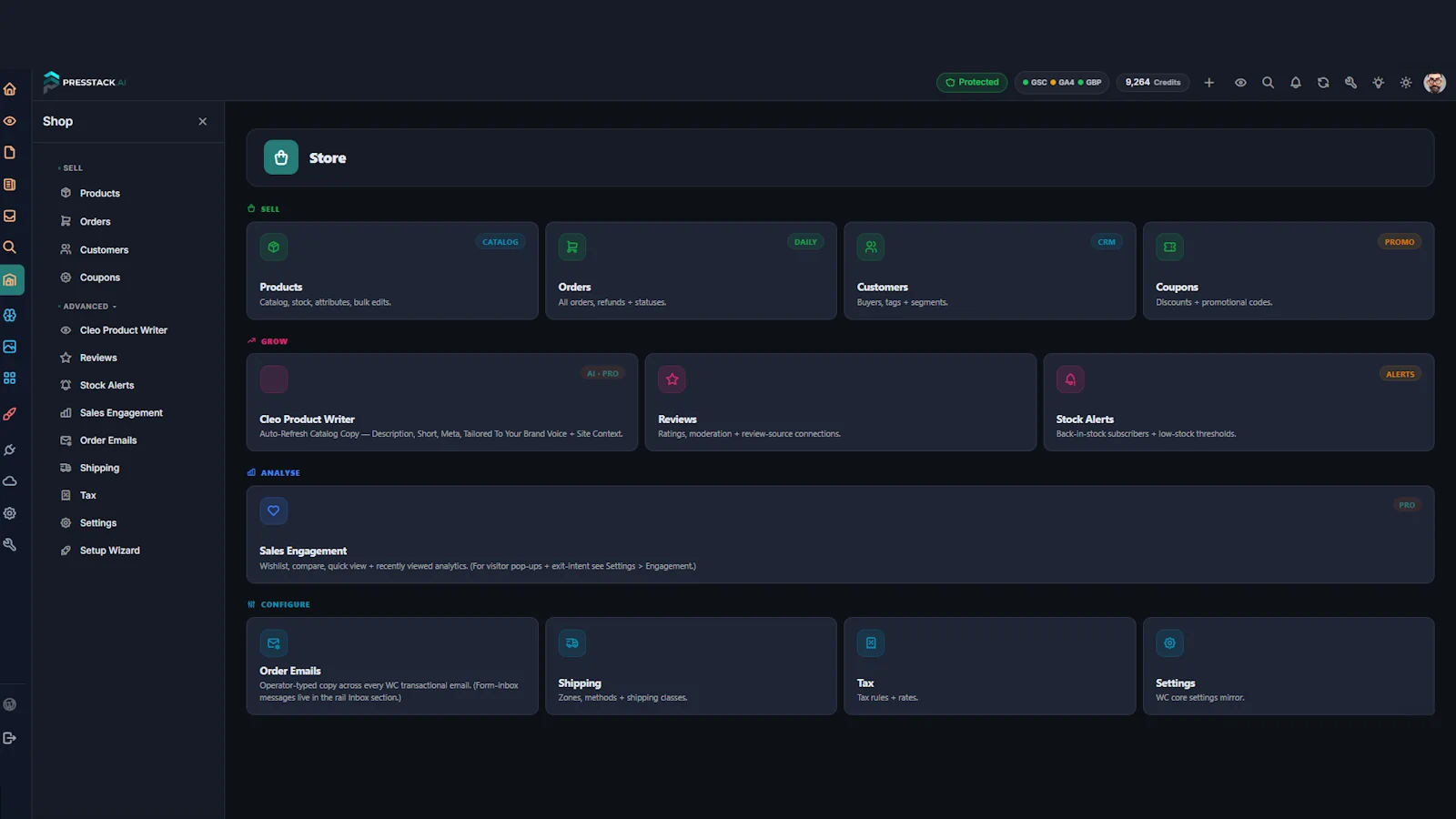
The shop section needs WooCommerce. Presstack Core includes products, the product writer, orders, customers, coupons, reviews, shipping, tax and settings. Presstack theme adds stock alerts, sales engagement, shop wording and shop page setup. Variations, attributes and the more advanced shipping and tax rules stay in the WooCommerce editor, with a link to open it from every product. And you dont need to install a single extra plugin.
| Section | What It Handles |
|---|---|
| Sell | |
| Products | Catalogue, stock, stock value, bulk edits and CSV export. Open any product to edit its copy and details. |
| Orders | Every order, refund and status in one place. |
| Customers | Buyer records, with tags and segments: VIP, regular, at risk and lost. |
| Coupons | Discount codes and offers. |
| Grow | |
| Cleo Product Writer | Checks the catalogue, flags what is missing on every product, and rewrites one at a time or a batch. Writes category descriptions too. |
| Reviews | Links through to your reviews in the knowledgebase. |
| Stock Alerts (Theme) | Back-in-stock subscribers. Low-stock levels are set per product. |
| Analyse | |
| Sales Engagement (Theme) | Counts for wishlists, comparisons and recently viewed products. |
| Configure | |
| Shop Wording (Theme) | The wording customers read on your shop pages and main order emails, in one screen. |
| Shipping | Zones and methods. |
| Tax | Classes and rates. |
| Settings | Your main WooCommerce settings, without leaving the panel. |
The Catalogue Job Nobody Gets To.
When your supplier writes the words, every shop selling the same product has the same page. Google picks one of you. Cleo rewrites the copy so the page is yours, not a copy of a copy.
| Done By Hand | With Presstack | |
|---|---|---|
| Writing nine hundred product descriptions | The supplier's, on all of them | Rewritten in your words |
| Finding the ones with no copy | Scrolling the product list | One filter |
| Finding the ones with no image | Opening every product | One filter, for you to photograph |
| Knowing which to do first | Alphabetically, or never | Sorted by what sells and what is missing |
| Writing category descriptions | Empty on almost every shop | Written from the same place |
| Keeping prices intact | Retyped, with mistakes | Never touched |
| Telling somebody a product is back | Another plugin, or lost sales | Built into the Theme |
| The thank-you page a customer reads | The WooCommerce default | Your own wording, on the Theme |
| Get Started |
Other Parts Of Presstack Worth Knowing About.

The Knowledgebase
Product copy is only as good as what Cleo knows about your shop: Who you sell to, how you talk, what makes you different. Fill it in before the first run.
Knowledgebase

Images
Alt text for every product photo, heavy images found and shrunk, and unused files found in your shop galleries too.
Images

Site Health
Products with no image, broken links and pages switched off from search all turn up in the daily check.
Site Health

Pro Widgets
The Shop pack designs the cart, checkout, account and mini cart. The Pro pack adds product filters, quick view, compare and sticky add to cart.
Pro WidgetsFrequently Asked Questions
-
Prices: Never. Cleo only writes the descriptions, the short description and what appears in search results.
Specifications: she is told never to invent them and to use only the product's own details and existing copy. If the supplier says the fitting takes a 22mm pipe, the description should say 22mm. Read the first few she writes for anything technical, especially on a large catalogue, and start with Fill Blanks Only.
-
Yes, and starting small is sensible.
Pick the next 3, 5, 10, 15 or 20 by priority, which weighs what sells, what is in stock and what is missing. Fill Blanks Only leaves anything you have written untouched, and a product with nothing empty is skipped and not charged. You see the cost before the run starts.
-
They should not, and the knowledgebase is the reason.
Cleo writes from what you have told her about the business: who you sell to, how you talk and what makes you different. A shop with that filled in gets descriptions that sound like one business talking about four hundred things. An empty knowledgebase gets four hundred competent, forgettable ones.
If the output feels flat, the knowledgebase is the first place to look.
-
Yes, and for most shops it is one of the more useful things here.
Nearly every shop has category pages with no words on them, and they are often the pages with the best chance in search, because a category covers more ground than any single product.
-
Six things, each one a filter.
No copy at all, thin copy under sixty words, nothing written for search results, no short description, no image, and not updated in twelve months. Click a filter and you see only those products. Word count, sales and priority sit on every row.
-
Not in the Presstack panel, and it says so.
Variations, attributes and the more advanced shipping and tax rules stay in the WooCommerce product editor, with a button on every product to open it there. Name, descriptions, prices, sale prices, stock, weight, categories and visibility are all in the Presstack panel.
-
It puts the wording customers read in one place. It comes with Presstack Theme.
Your thank-you page, cart, checkout, shop page, account pages, single product page, login and register, and the main order emails. Merge tags let a message use the customer's name or order number. Leave anything blank and the WooCommerce wording stays, so you can change the few that matter and ignore the rest.
-
A customer asks to hear about a product that has run out, and is told when it comes back. This comes with Presstack Theme.
Low-stock levels are set per product rather than for the whole shop, because running out of one thing matters more than running out of another.
-
WooCommerce, yes. The Theme, only for some of it.
Presstack Core includes products, the product writer, orders, customers, coupons, reviews, shipping, tax and settings. Stock alerts, sales engagement, shop wording, shop page setup and the shop widgets come with Presstack Theme.
-
Run the catalogue check first. It almost always finds something worth showing a client.
Products with no copy, categories with no description, products with no image. That conversation is easy because the gap is obvious to a non-technical client. On the Theme, the shop section also replaces several plugins a shop tends to collect for back-in-stock alerts, wishlists and customer wording.
-
Every description Cleo wrote stays written.
They are ordinary product descriptions in your own WooCommerce database, and you can edit them by hand from then on. Your shop wording, shipping zones and tax rules stay as they are. What stops is Cleo writing new copy.
-
On Presstack Theme, yes.
Sales Engagement counts wishlist saves, comparisons and recently viewed products, so you can see where interest exists without a sale to show for it. It is a useful starting point for deciding which products to rewrite or restock.
Start With The Check. It Costs Nothing.
Install Presstack on a shop and check the catalogue. See which products have no copy, which have no image, and which have not been touched recently.